Faithlify
Read
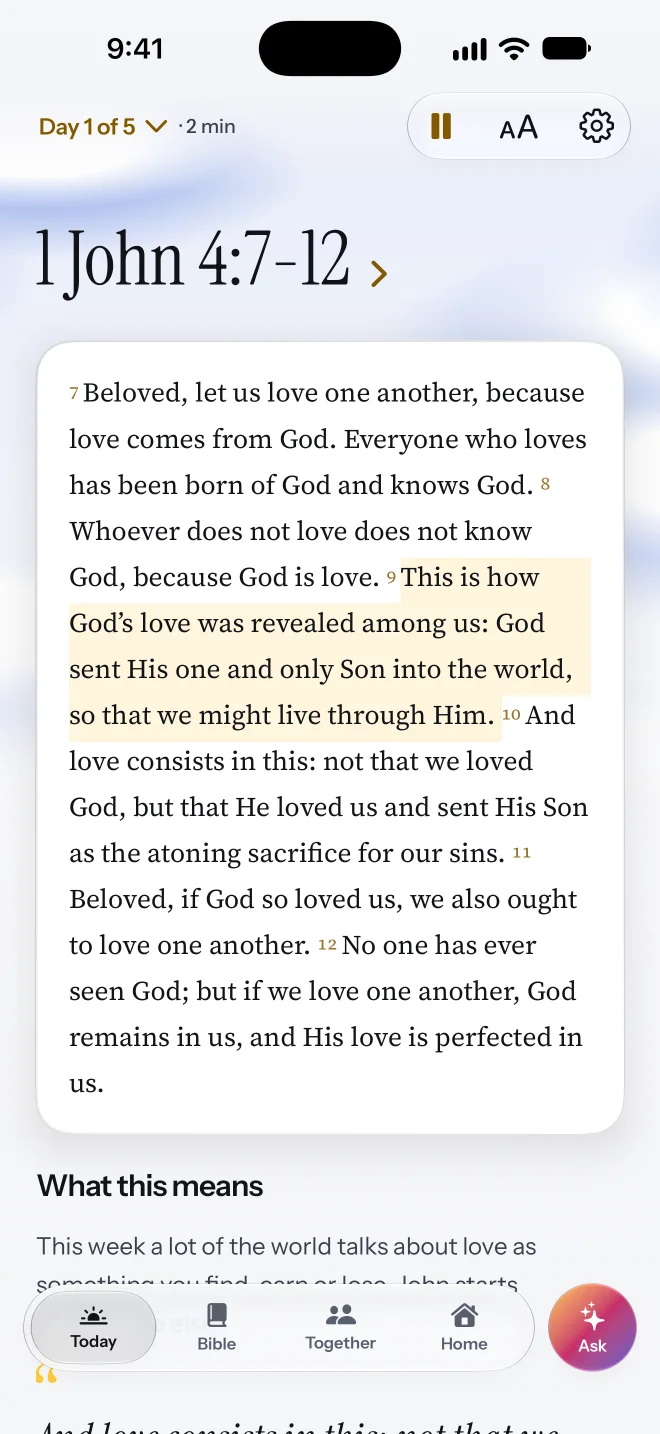
A few verses from the Bible, then a plain explanation of what they mean for your day. If you want more, the whole chapter is one tap away. Tap Listen to hear it read aloud, with each line marked as it's read.
Read a short passage, reflect, and pray. Then three small ways to live it today, made for whatever you're walking through.
No account needed.
What it is
“Be doers of the word, and not hearers only.”James 1:22 · Berean Standard Bible
How it works
A plan is a few days on one topic, from 3 to 10. Every day has the same four steps, so there's nothing to figure out.
A few verses from the Bible, then a plain explanation of what they mean for your day. If you want more, the whole chapter is one tap away. Tap Listen to hear it read aloud, with each line marked as it's read.
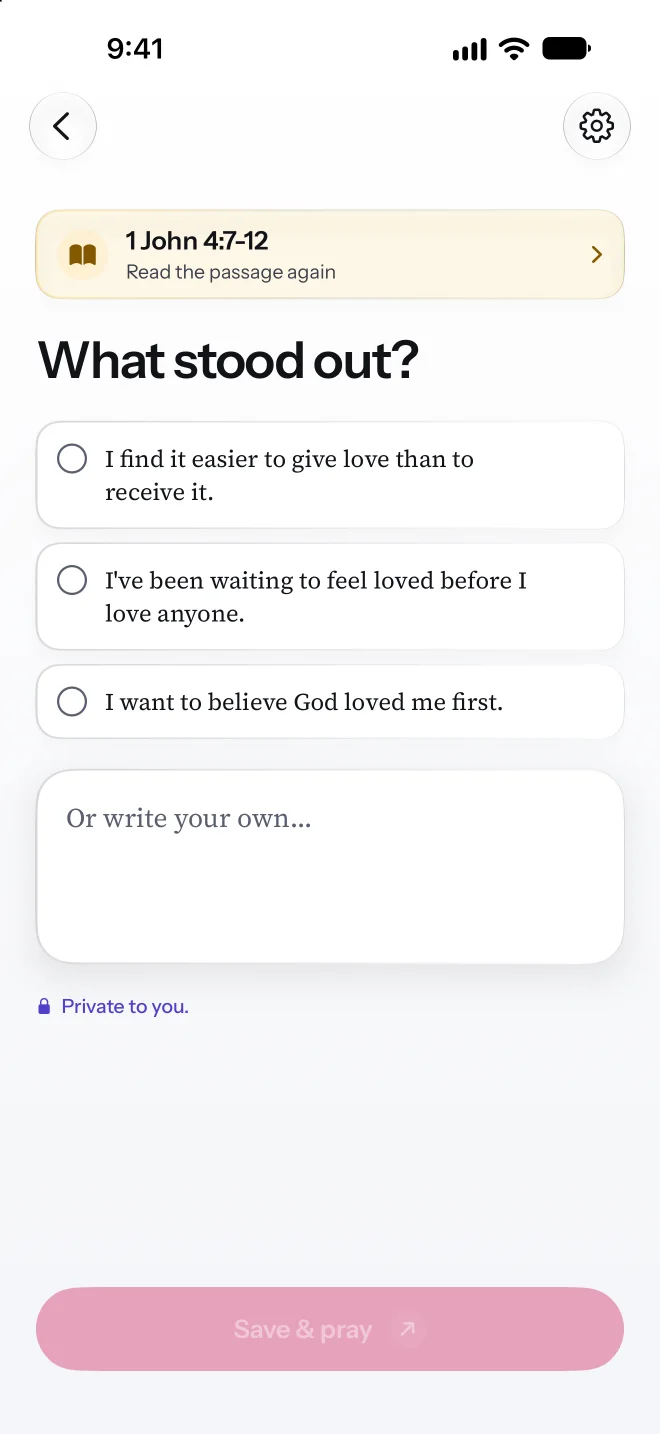
Write a line about what stood out to you. Use your own words, or tap one of three suggestions. It goes in your journal, and only you can read it.
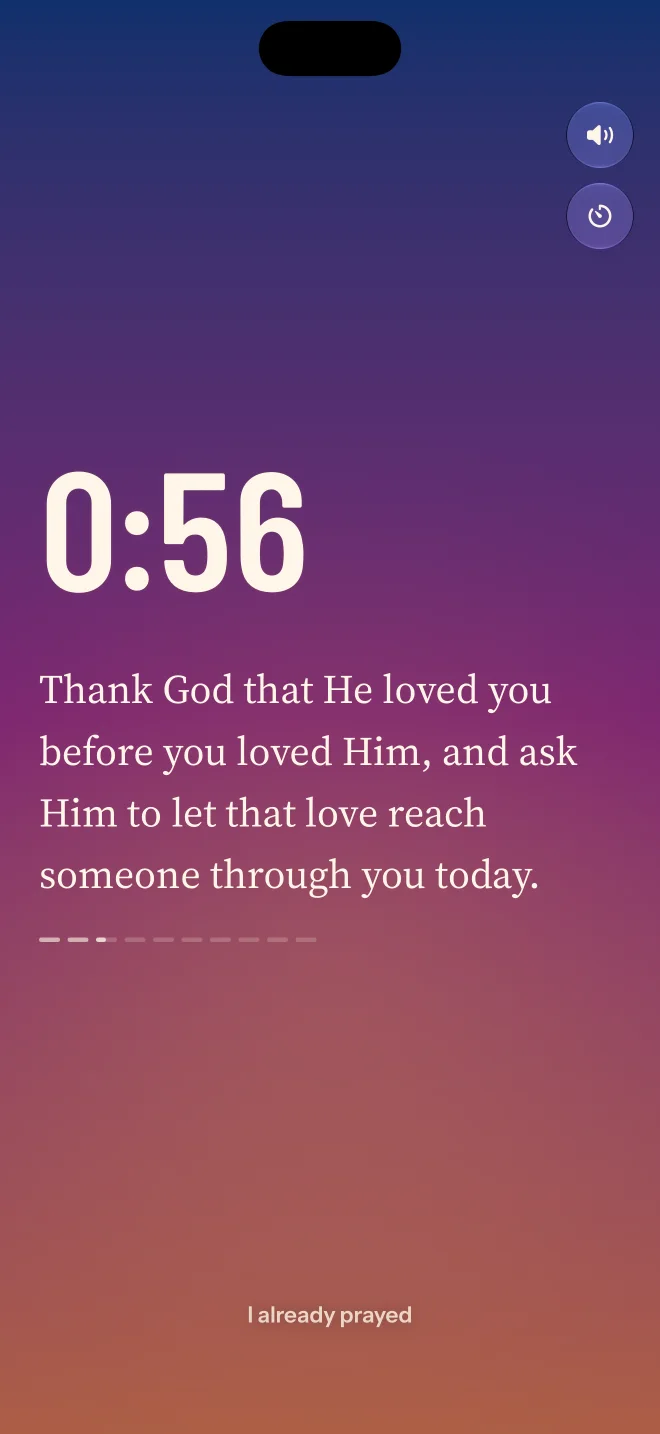
Praying is just talking to God, and you don't need special words. Take one to five quiet minutes while the screen turns from night to first light, with a short prompt to start or in silence.
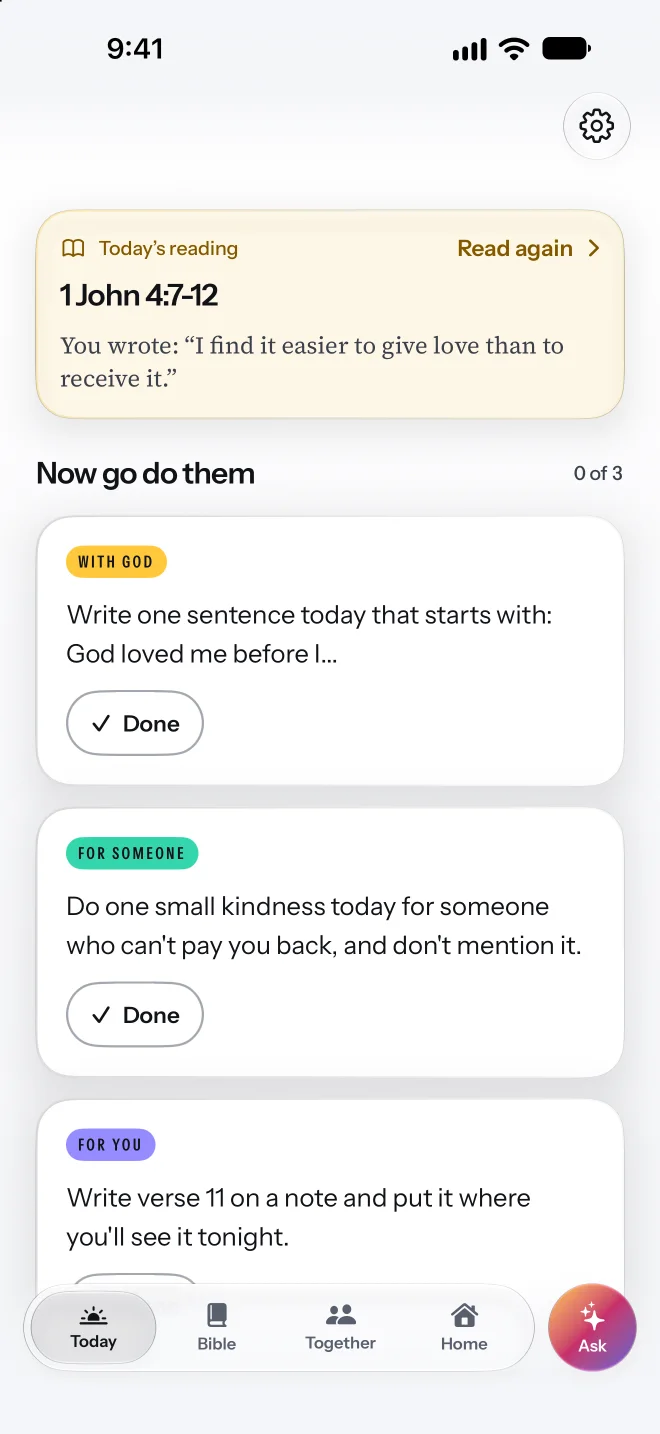
Now you get three small things to do today, based on what you read:
Mark each one done when you do it, or tap “Not today”. Nothing is taken away.
Plans
Pick a plan for what's going on in your life right now, good or hard. Every plan in the library is free, and the Bible text works offline.
When things are steady and you want more than steady.
For grief, worry and the people you're at odds with.
A decision in front of you, or coming back after time away.
For the questions you're asking, or the ones people ask you.
For a habit or an addiction that has a hold on you. Honest, private, and never a shame counter.
Tell Faithlify what's going on, in your own words, and it finds the plan that fits. With Faithlify Plus, our subscription, it can also write a plan just for you, or make one from your notes.
If you're in crisis, Faithlify stops and shows you where to get help right away. In the US and Canada, call or text 988.
From your notes
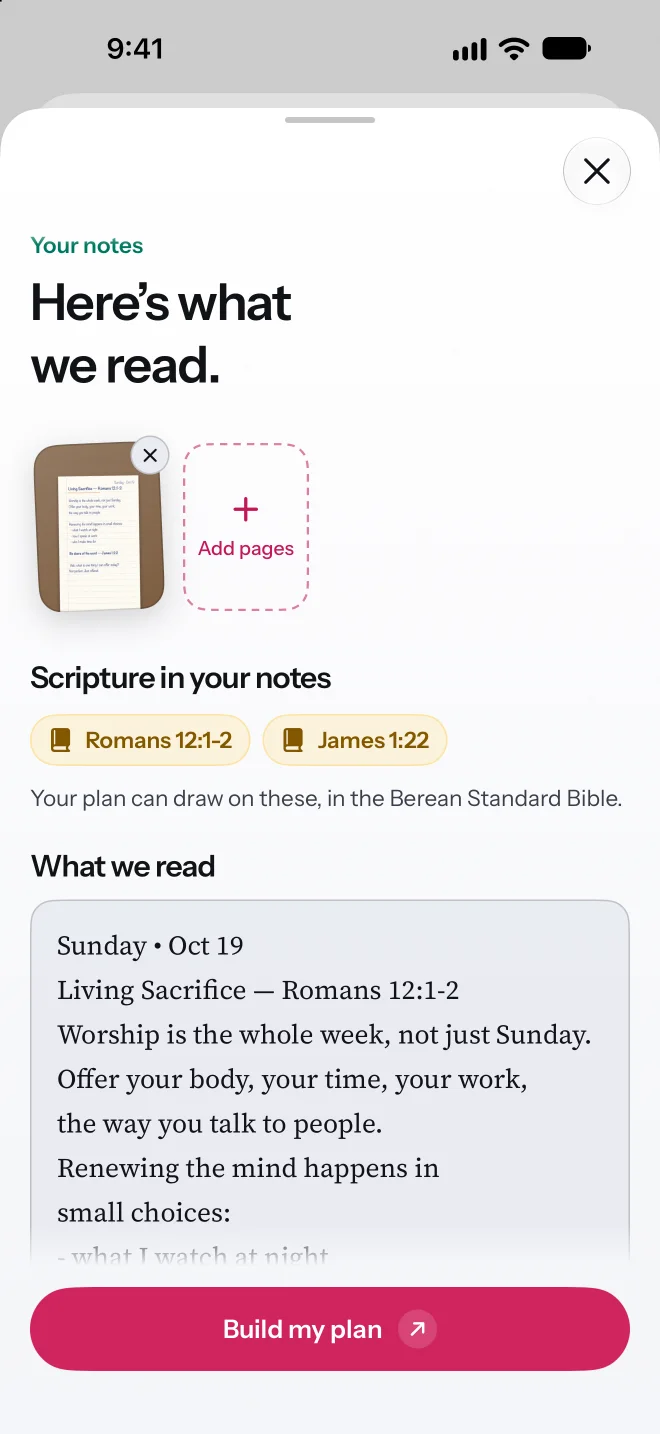
Take a photo of your notes from church, a book or your journal. Faithlify reads them, finds the verses you wrote down, and makes a plan for this week out of what you heard.
Scan a page with the camera or pick photos you already have. You can check what it read before you make the plan.
Part of Faithlify Plus.
Ask
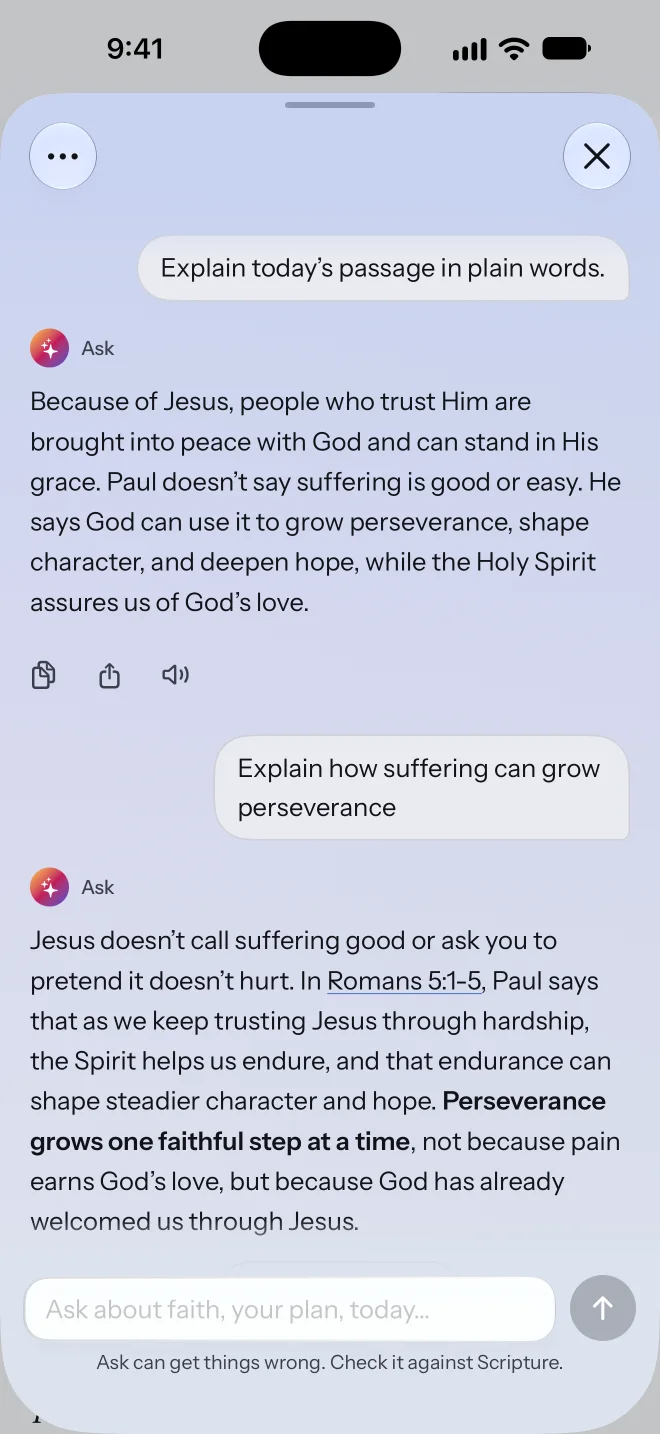
Ask what today's verses mean, how to do one of today's actions, or a bigger question about faith. It answers from the Bible and your plan.
Every verse it mentions opens with a tap, and Listen reads the answer aloud.
It can be wrong, and it isn't a pastor, a counselor or your church. Ask is part of Faithlify Plus.
Together
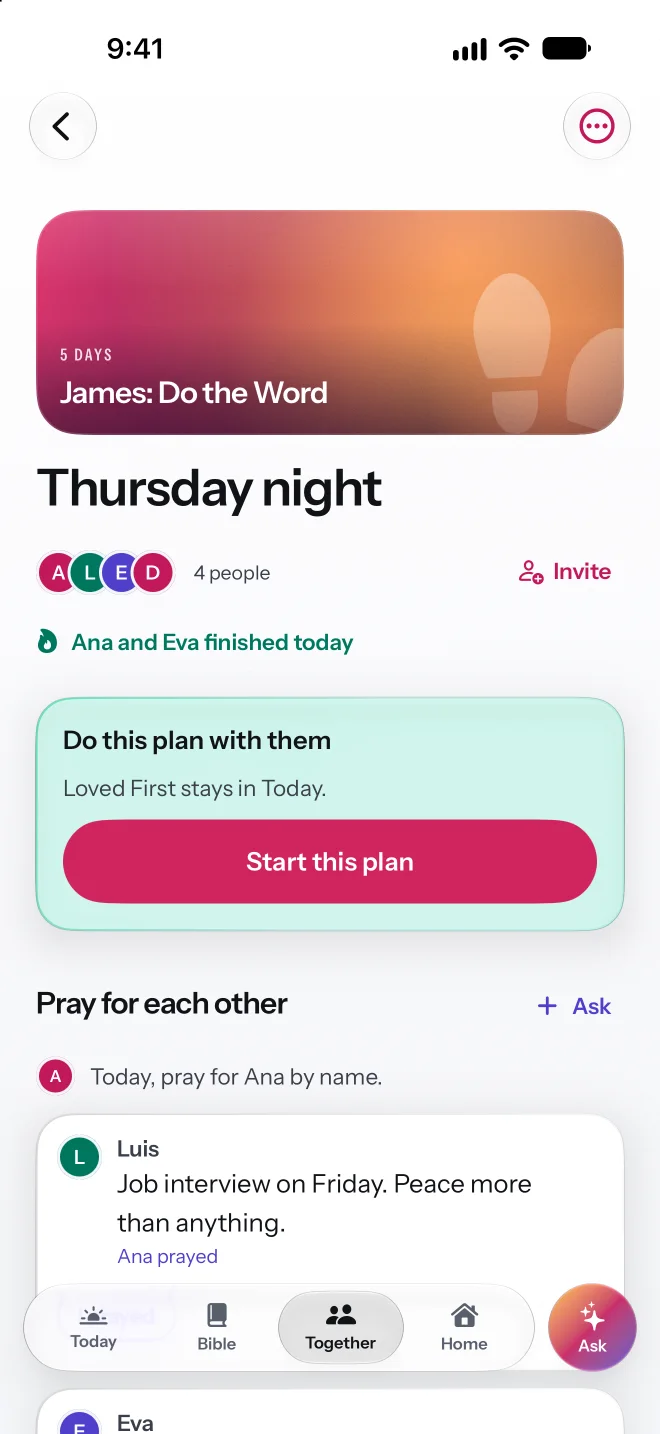
Start a group with friends, your small group or your family, and do the same plan together. Talk about each day, and pray for each other's requests.
Add friends by username, or hold your phones close to add each other in person.
Groups and friends need an account. Your journal never goes to a group.
Progress
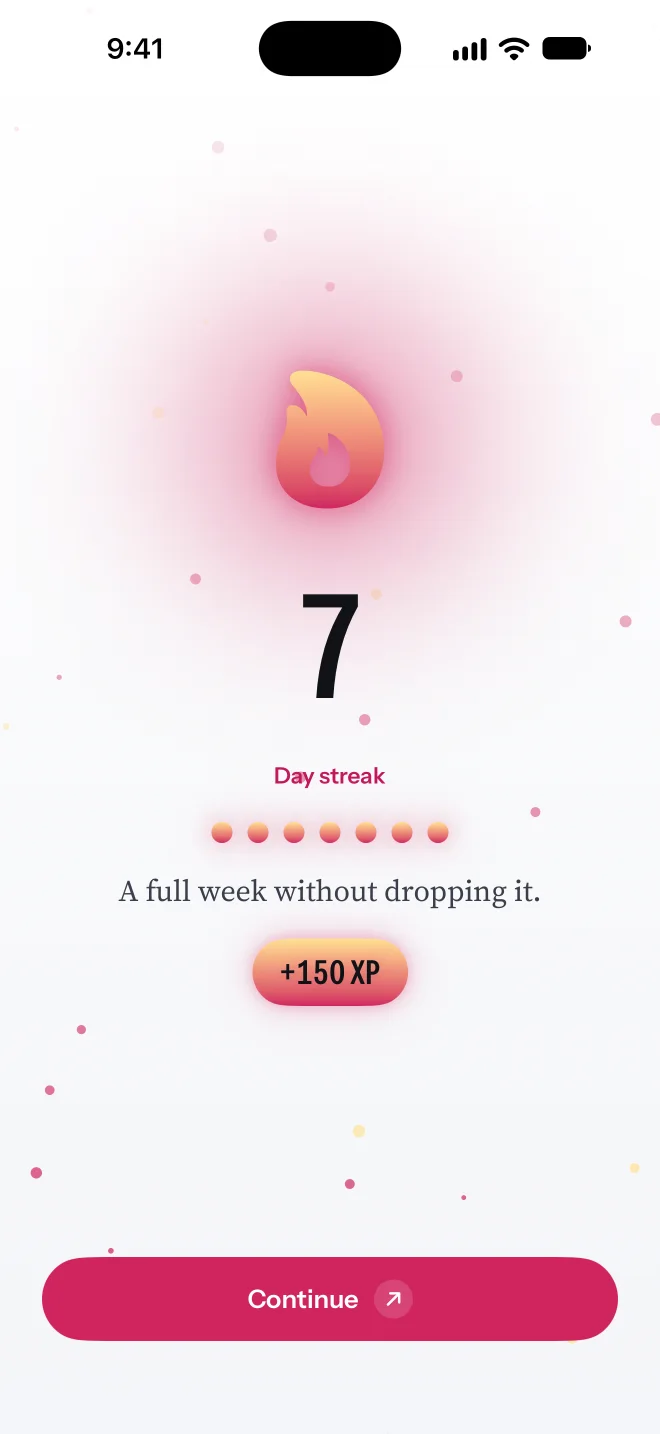
Faithlify keeps track of the days you showed up and the things you did. Your progress never goes down, even on days you couldn't.
No leaderboards, no comparing with anyone, and nothing that measures your faith. It records what you did.
Widgets
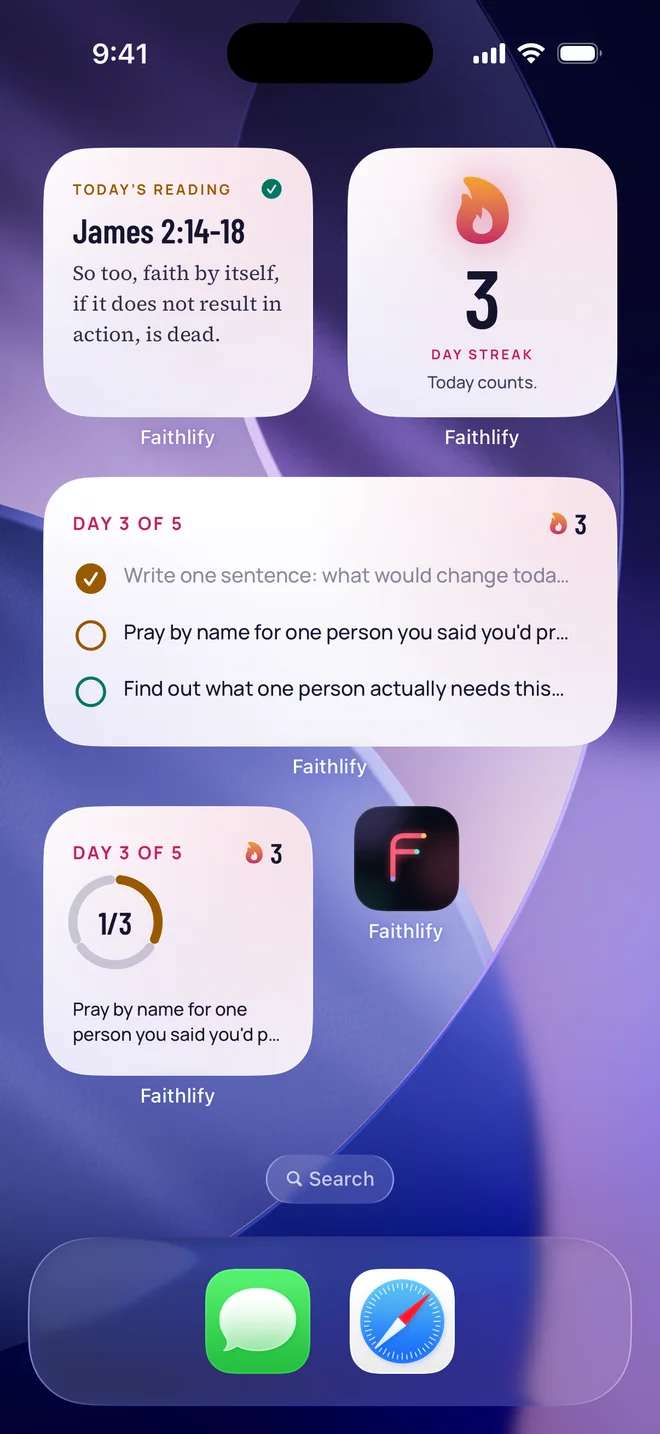
A widget is a small piece of the app on your iPhone's Home Screen. See today's reading and your three actions without opening Faithlify, and tap a circle to mark one done.
iPad and Apple Watch
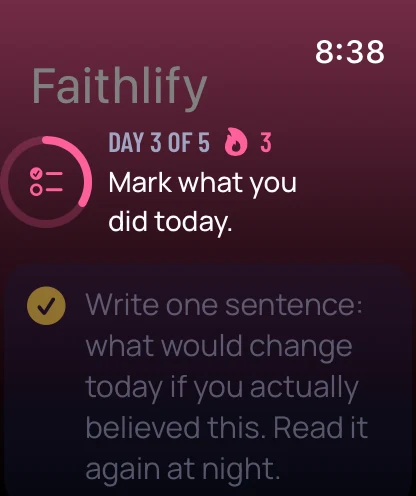
On Apple Watch, see how today is going, pray with your timer and mark your three actions from your wrist.
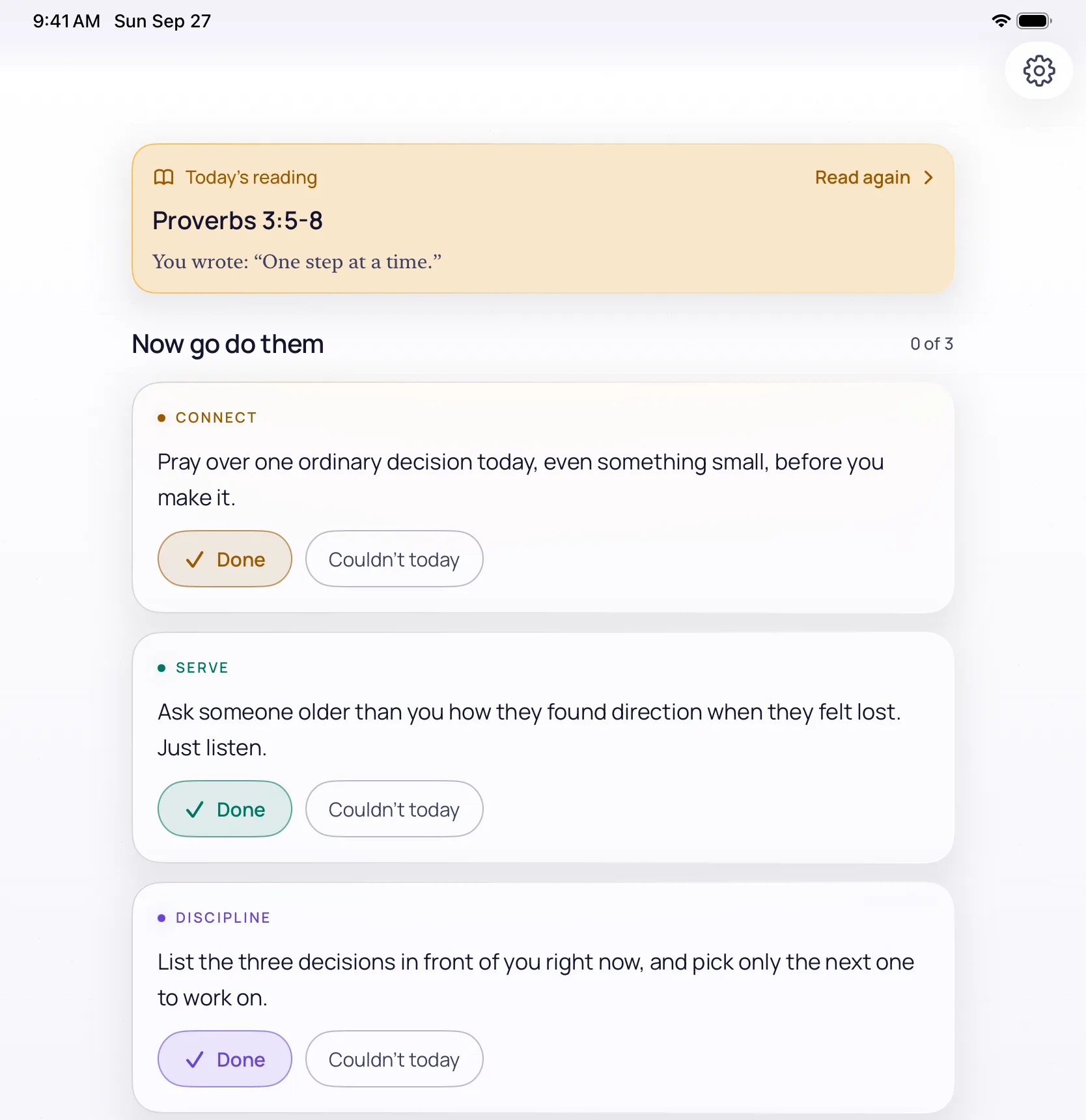
On iPad, the whole app, with room to read.
Follow along
Short videos about faith, about the app, and about what changes along the way.
Privacy
Privacy isn't a setting here. It's the reason the app works the way it does.
Questions
Faithlify is a Bible app for iPhone, iPad and Apple Watch. Each day you read a short Bible passage with a plain explanation, write a line about what stood out, and pray. Then you get three small things to do today, based on what you read: one with God, one for someone else and one for you. It takes about ten minutes.
Yes. Reading, reflection and prayer, every reviewed plan, the whole Bible, groups and friends, the natural voice and widgets are free. Faithlify Plus, an optional yearly or monthly subscription, adds plans made for you, plans from your notes, Go deeper and Ask.
A plan is a few days on one topic, usually 3 to 10. Pick one from the library for what you're living, good or hard, or tell Faithlify what's going on and it finds the plan that fits.
The Berean Standard Bible (BSB), which works offline and is dedicated to the public domain.
Yes. With Together you can start a group with friends, your small group or your family, do the same plan, talk about each day and pray for each other's requests. Groups need an account, and your journal never goes to a group.
Not yet. Faithlify is on iPhone, iPad and Apple Watch. Leave your email and we'll tell you when Android is ready.
No. Faithlify, with a y, is an independent app made by David Zambrano. It isn't part of Faithlife or Logos Bible Software.
Free on iPhone and iPad. On Android? Leave your email and we'll tell you when it's ready.